📰 Catalysts
What moved today, newest first, with the people to talk to about it.
Most crypto news tells you something happened. This tells you something happened and here is the company, here is the team, here is how to reach them.
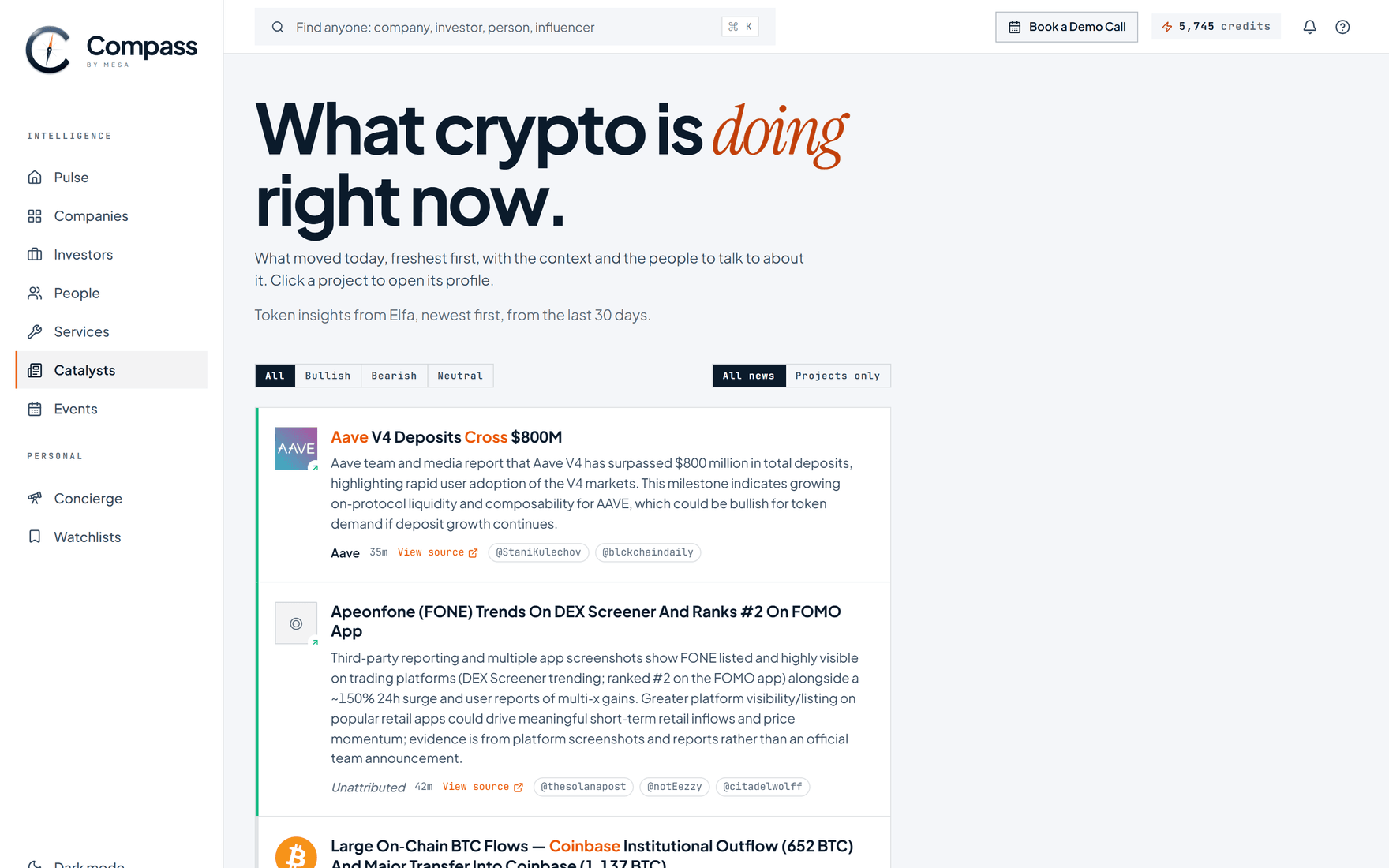
The feed. Every item opens the project behind it.
What is in it
Token insights from the last 30 days, freshest at the top. Each item carries:
- What moved, and what it means.
- A link to the source.
- The accounts that were talking about it.
- A link through to the project's Compass profile, where the item is about a company we hold.
Two filters sit above the feed:
| Filter | Use it to |
|---|---|
| Bullish / Bearish / Neutral | See only news cutting one way |
| Projects only | Drop anything you cannot click through to. This is the working setting |
The weekly Brief sits at the bottom: a written read on the month, rather than a list of yesterday.
Read it as a trigger, not as news
An item is a reason to act. Four that are worth acting on:
| You see | What it means | Do this |
|---|---|---|
| A raise closed | They have budget and are about to spend it | If you sell to them, this is the week |
| A launch or listing | They need market makers, auditors, exchanges, coverage | Reach out now, before the inbound |
| Sudden attention on a project you track | Everyone is about to notice | Open it, find the decision makers, get in first |
| A project you have never heard of, moving | Might be worth tracking | Two minutes on its profile tells you |
The ten-minute habit
- Skim the feed.
- Open two or three projects.
- Add anyone worth a conversation to a watchlist.
- Close the tab.
That is the whole routine. It is not meant to be read end to end.
Where else it shows up
Pulse carries a shorter version of the same feed on your home page. Catalysts is the full-length one, for when you are working through the day rather than glancing at it.